(Applicable to FairPrice Group app versions v8.0.0 and later)
You can use the FairPrice Group app to enter and pay for your purchases at Cheers AI Unmanned stores and fridge. Do note that $20 will be deducted from your account upon entry. Any unused amount will be refunded.
Cheers AI Unmanned Store
To enter the store, open the FairPrice Group app and tap "Me" (bottom right corner). Scan the QR code at the store gantry to enter.
Once you are done shopping, simply walk out of the store with your items - no scanning needed!
To view your purchases, go to "Me" (bottom right corner) > "Activity History" > "Payment" in the app.
Cheers AI Fridge
To purchase from Cheers AI fridge, just scan your personal QR code on the fridge door to get access. Pick the items you want and close the door - it is that easy!
(Applicable to FairPrice Group app versions v7.9.9 and earlier)
You can use the FairPrice Group app to enter and pay for your purchases at Cheers AI Unmanned stores and fridge. Do note that the $20 will be deducted from your account upon entry. Any unused amount will be refunded.
To enter the store, open the FairPrice Group app and tap “Pay/Earn”. Scan the QR code at the store gantry to enter.
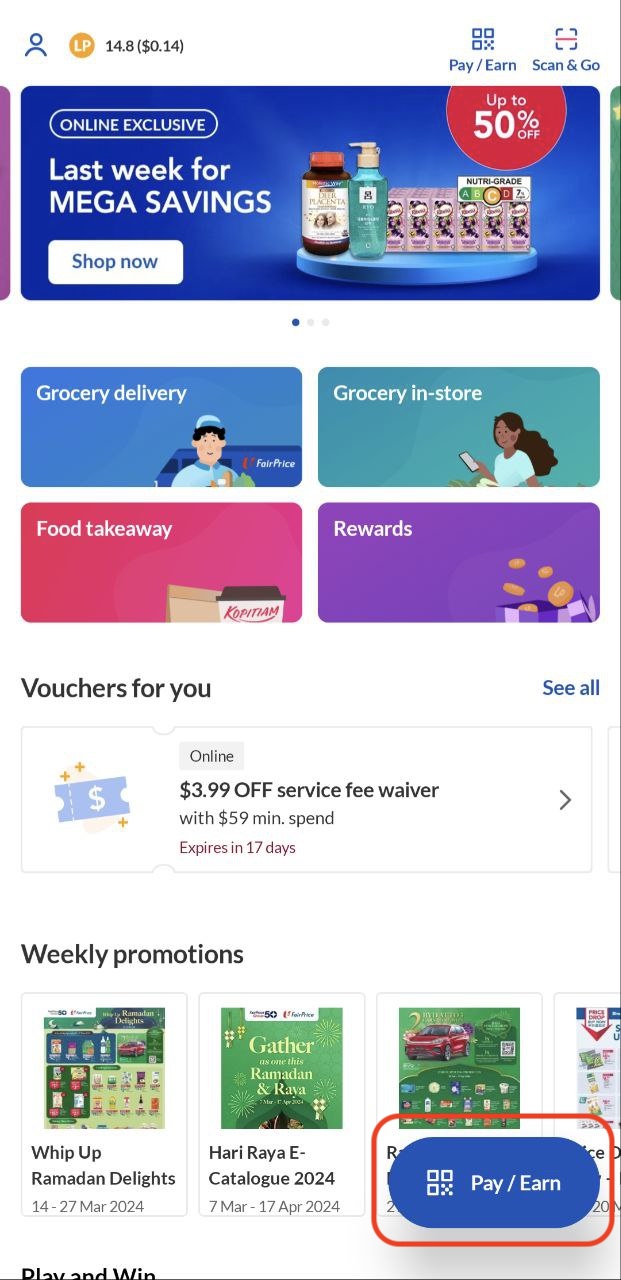
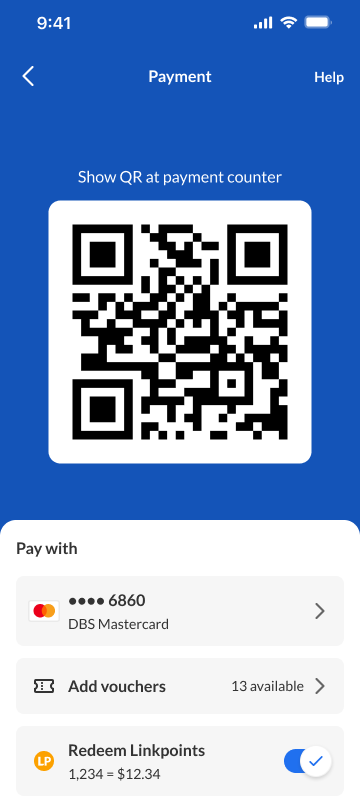
Once you’re done shopping, you can just walk out of the store with your items - no scanning needed!
To view your purchases, go to Account > Activity > Payment in the app.
To purchase from Cheers AI fridge, just scan the QR code on the fridge door to get access. Pick the items you want and close the door - it’s that easy!